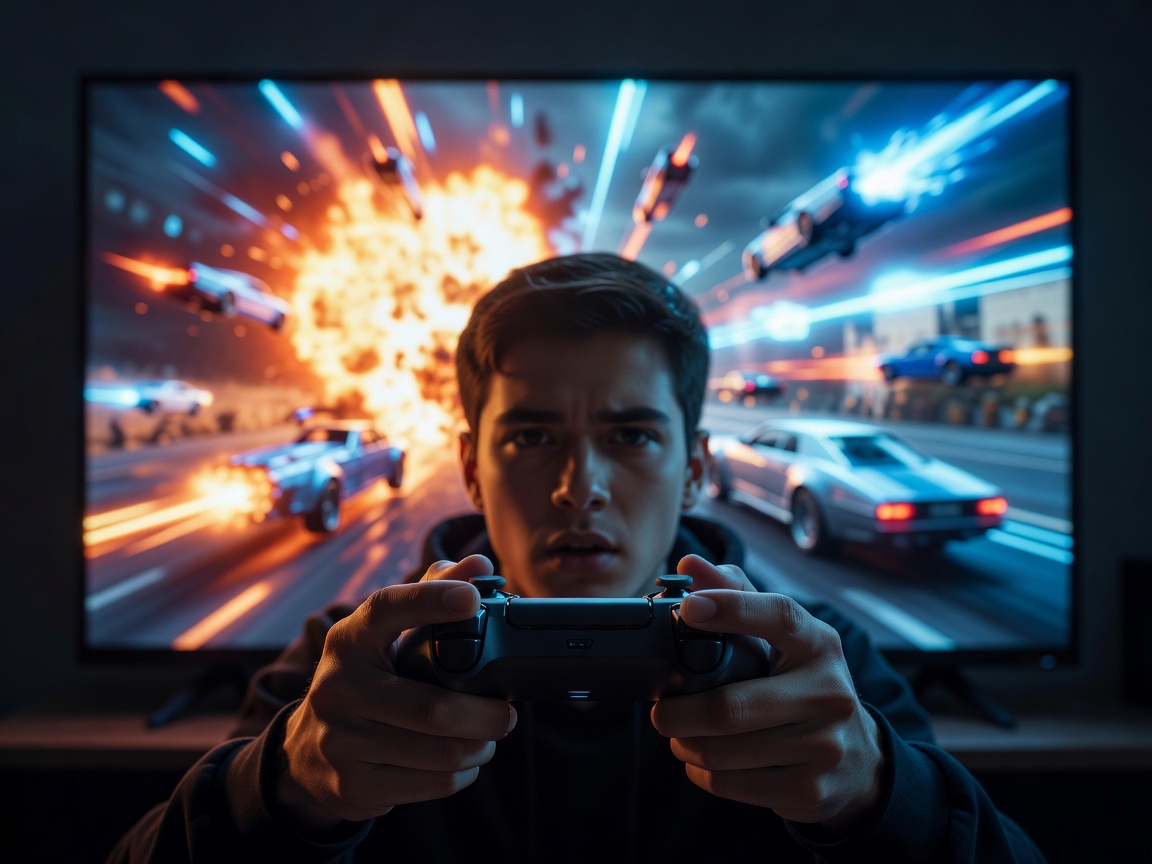
For a long time, serious gamers avoided televisions in favor of dedicated desktop monitors. TVs traditionally suffered from high input lag and image processing delays that made fast-paced gaming feel sluggish and unresponsive. Today, that paradigm has completely shifted. Modern Smart TVs are equipped with advanced gaming features that not only match but often exceed the capabilities of expensive gaming monitors, all on a massive 65-inch or 77-inch canvas.
If you are purchasing a TV to pair with a current-generation gaming console or a high-end PC, there is a specific checklist of acronyms and specifications you must look for. Failing to check these boxes means leaving graphical fidelity and performance on the table.
The Importance of HDMI 2.1
The foundation of a modern gaming TV is its connectivity. Older HDMI 2.0 ports max out at a bandwidth of 18 Gbps, which is enough for 4K resolution at 60 frames per second. However, modern consoles and GPUs require much more data throughput to reach their full potential. HDMI 2.1 supports up to 48 Gbps of bandwidth.
This massive pipeline is what allows a television to receive a 4K resolution signal at 120Hz (and sometimes up to 144Hz for PC gamers), alongside uncompressed audio and deep 10-bit color. When shopping, always verify exactly how many HDMI 2.1 ports the TV has; some models only feature two, while premium models offer the full bandwidth across all four ports.
Refresh Rates: 60Hz vs 120Hz vs 144Hz
The refresh rate of a panel dictates how many times per second the image on the screen is updated. A standard television refreshes 60 times a second (60Hz). While this is perfectly adequate for movies and television shows, gaming benefits immensely from higher refresh rates.
A 120Hz panel displays twice as much visual information per second. This results in incredibly smooth motion clarity, allowing players to track fast-moving objects—like a targeting reticle in a first-person shooter or a ball in a sports game—with far greater precision. High refresh rates reduce motion blur and make camera panning feel instantaneous.
VRR (Variable Refresh Rate) Explained
In a perfect world, a game would output a flawless, locked 60 or 120 frames per second. In reality, rendering complex explosions or large open environments causes frame rates to fluctuate. When the console's frame rate drops but the TV's refresh rate remains static, you experience "screen tearing"—an ugly artifact where the image appears sliced in half horizontally.
VRR solves this by forcing the television to dynamically sync its refresh rate with the exact output of the console in real-time. If the game drops to 52 frames per second, the TV instantly adjusts to 52Hz. The result is a buttery-smooth image completely free of tearing or stuttering. Major VRR formats include HDMI Forum VRR, AMD FreeSync, and NVIDIA G-Sync. The best gaming TVs support all three.
Auto Low Latency Mode (ALLM)
ALLM is a quality-of-life feature that removes the friction from gaming. Traditionally, players had to manually dig into their TV settings to turn on "Game Mode"—a setting that disables heavy image processing (like motion smoothing and noise reduction) to minimize input lag. With ALLM, the TV detects when a console is powered on and automatically switches into its lowest latency mode. When you switch back to a movie app, it automatically reverts to standard processing.
HDR Gaming Profiling
Finally, High Dynamic Range (HDR) gaming requires careful calibration. Look for televisions that support HGiG (HDR Gaming Interest Group) profiles. HGiG ensures that the TV defers HDR tone-mapping to the console, preventing details in the brightest skies or darkest shadows from being crushed or washed out by conflicting processing algorithms.
By prioritizing a television with HDMI 2.1, 120Hz support, VRR, and ALLM, you ensure that your gaming setup is future-proofed for years of immersive, low-latency entertainment.