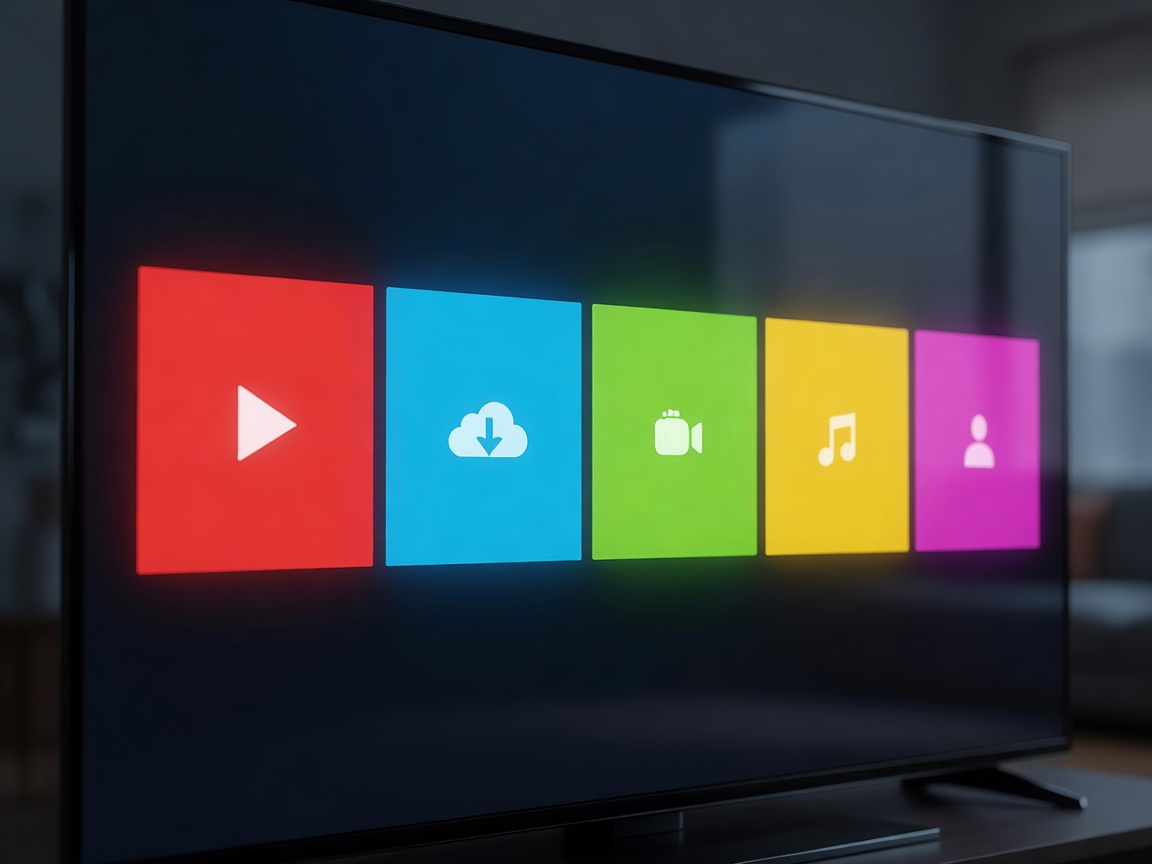
In the early days of high-definition displays, the user interface was a secondary consideration—merely a menu for adjusting brightness, contrast, and input sources. Today, the Operating System (OS) is the beating heart of the Smart TV experience. It dictates how quickly apps load, how content is recommended to you, and how easily you can navigate between live broadcasts and on-demand streaming.
Currently, the market is dominated by three major platforms: webOS, Tizen, and Google TV (formerly Android TV). Each ecosystem has its own design philosophy, app library, and navigation mechanics. Below is an in-depth breakdown of what you can expect from each.
webOS: The Pioneer of the Ribbon Interface
Originally developed for mobile devices and later acquired by major TV manufacturers, webOS revolutionized the Smart TV landscape with its minimalist, unobtrusive design. For years, its defining feature was the "ribbon" launcher—a slanted row of colorful cards that appeared at the bottom of the screen without interrupting the content playing behind it.
Recent iterations have moved toward a full-screen dashboard to prioritize content recommendations and sponsored media, which has been a point of contention among purists. However, webOS remains incredibly responsive. Its primary navigational tool is the Magic Remote, which operates like a wireless mouse. You point the remote at the screen, and a cursor follows your hand movements. This makes typing on virtual keyboards and selecting specific episodes far faster than mashing directional pads.
Tizen: Fast, Fluid, and Gaming-Focused
Tizen is a Linux-based operating system that shares much of its design DNA with older versions of webOS. It utilizes a similar horizontal scrolling bar along the bottom of the screen, allowing users to quickly access their most-used apps and connected devices.
Where Tizen truly shines is in its integration with broader smart home ecosystems and its aggressive push into cloud gaming. Modern versions of Tizen include dedicated gaming hubs that allow users to connect a Bluetooth controller directly to the TV and stream AAA video games without needing a dedicated console. The interface is snappy, and the integration of ambient modes—which allow the TV to display art or blend into the wallpaper when not in use—is practically seamless.
The downside to Tizen is that its app store is more locked down than Android-based systems. While every mainstream streaming service is present, niche applications and sideloading are generally not supported.
Google TV: The Ecosystem Heavyweight
Built on top of Android TV, Google TV shifts the focus away from individual apps and places it firmly on content aggregation. When you boot up a Google TV, you are presented with a massive, full-screen wall of movie and television show recommendations pulled from all the various services you subscribe to.
The greatest strength of Google TV is its search functionality. Leveraging Google Assistant, you can speak into the remote and say, "Show me sci-fi movies from the 1980s," and the OS will accurately pull results from multiple apps, telling you where each is available to stream for free or rent. Furthermore, Google TV features built-in Chromecast functionality, making it effortless to cast videos, photos, or entire browser tabs from your smartphone or laptop directly to the screen.
Because it is built on the Android backbone, Google TV boasts the largest app library in the industry, including utility apps, VPNs, and localized content providers that might not have the budget to develop for webOS or Tizen.
Which Should You Choose?
If you prefer a fast, pointer-based navigation system and a clean design, webOS is highly recommended. If you want seamless integration with gaming subscriptions and a fast, unobtrusive bottom-bar menu, Tizen is excellent. If you rely heavily on voice search, use a lot of niche apps, and prefer having content recommended to you across all your subscriptions, Google TV is the superior choice.