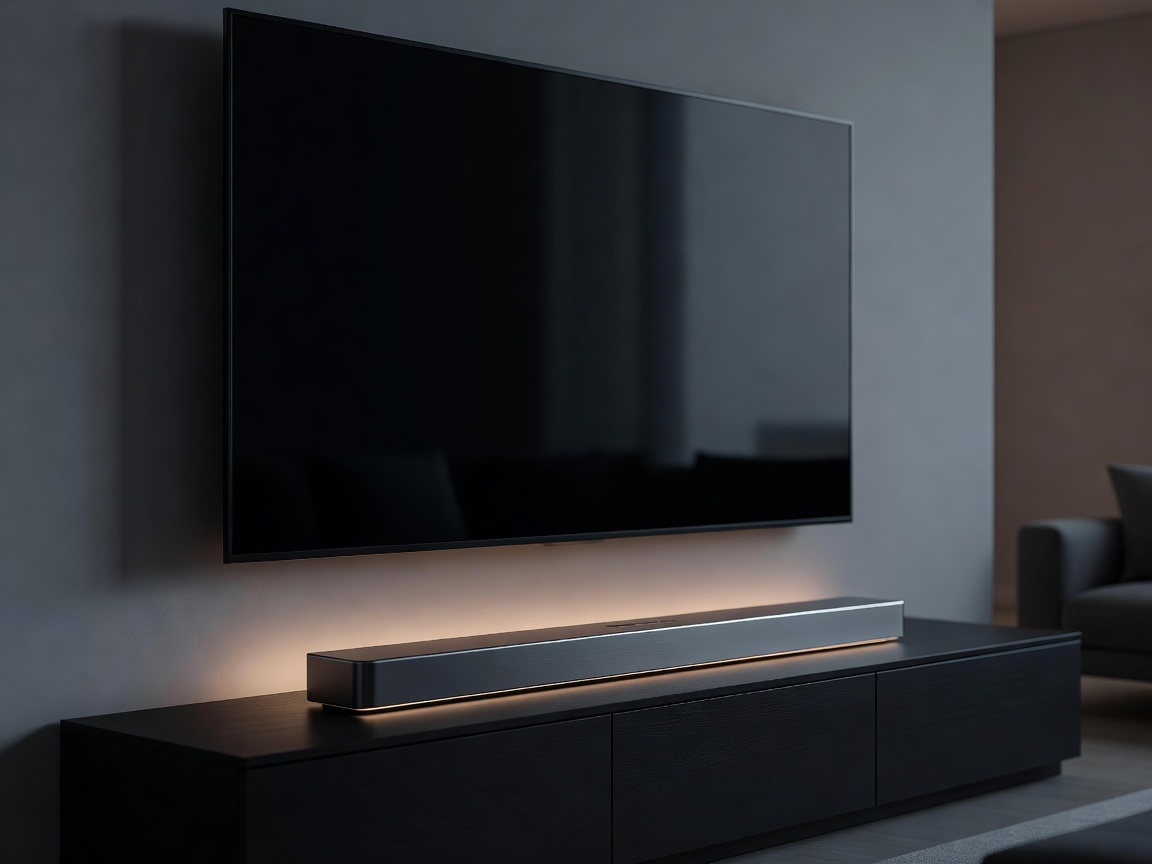
As panel technologies have advanced, modern Smart TVs have become astonishingly thin, often measuring just a few millimeters in depth. While this aesthetic is stunning for interior design, it is an absolute disaster for acoustics. Sound requires space to resonate. Without an acoustic chamber, built-in TV speakers sound tiny, lack bass, and struggle to project clear dialogue over loud background effects.
To experience true cinematic immersion, an external audio solution is mandatory. Today, soundbars offer the most popular blend of performance, ease of use, and visual integration.
The Magic of HDMI eARC
Before diving into speaker configurations, it is crucial to understand how the sound gets from the TV to the soundbar. For years, optical cables were the standard, but they lacked the bandwidth to carry modern, uncompressed audio formats.
Enter eARC (Enhanced Audio Return Channel). Located on one specific HDMI port on the back of your television, eARC allows the TV to pass full-resolution audio signals—including lossless surround sound formats—directly to a connected soundbar or AV receiver. Furthermore, it utilizes HDMI-CEC (Consumer Electronics Control), allowing your standard TV remote to control the volume of the external soundbar automatically. When shopping, ensure both your TV and your chosen audio device support eARC for a frictionless, one-cable setup.
Understanding Soundbar Configurations
When browsing soundbars, you will see them categorized by numbers, such as "2.1", "5.1", or "7.1.4". These numbers denote the channel configuration:
- The First Number (e.g., 5): Represents the traditional ear-level channels. A 5 means there is a Left, Center, Right, Left Surround, and Right Surround channel.
- The Second Number (e.g., .1): Indicates the presence of a subwoofer dedicated to low-frequency effects (LFE) and deep bass.
- The Third Number (e.g., .4): Denotes upward-firing or ceiling-mounted height channels, which are essential for 3D object-based audio.
A basic 2.1 system provides stereo separation and deep bass, instantly making movies feel heavier and dialogue clearer. However, stepping up to a 5.1.2 system introduces true spatial immersion.
Dolby Atmos: Moving from Channels to Objects
Historically, movie sound was mixed into static channels—a sound was assigned to the left speaker, or the rear speaker. Dolby Atmos (and its rival, DTS:X) changed this by treating individual sounds as "objects" in a three-dimensional space.
Instead of merely panning a helicopter from left to right, a Dolby Atmos mix tells the audio processor the exact spatial coordinates of that helicopter. The soundbar then uses all available drivers—including upward-firing speakers that bounce sound off your ceiling—to trick your brain into hearing the helicopter fly directly over your head.
Choosing the Right Setup
If you are simply looking to fix the muddy dialogue of your TV's built-in speakers, a standalone 3.0 or 3.1 soundbar (with a dedicated center channel for voices) is a massive upgrade. If you want a cinematic experience but cannot run wires for a traditional AV receiver system, a premium 7.1.4 Dolby Atmos soundbar system with wireless rear speakers and a wireless subwoofer will provide room-filling, three-dimensional audio with minimal installation hassle.